ICAM Senior Project · VIS 160A · 2026
Palm & Petal
a 3D Tool plane where nature and space collide
Timeline
January - March 2026
Tools
JavaScript, MediaPipe Hands, p5.js (WEB GL Mode), Tone.js, HTML + CSS, WebRTC
Course
VIS 160 A
Overview
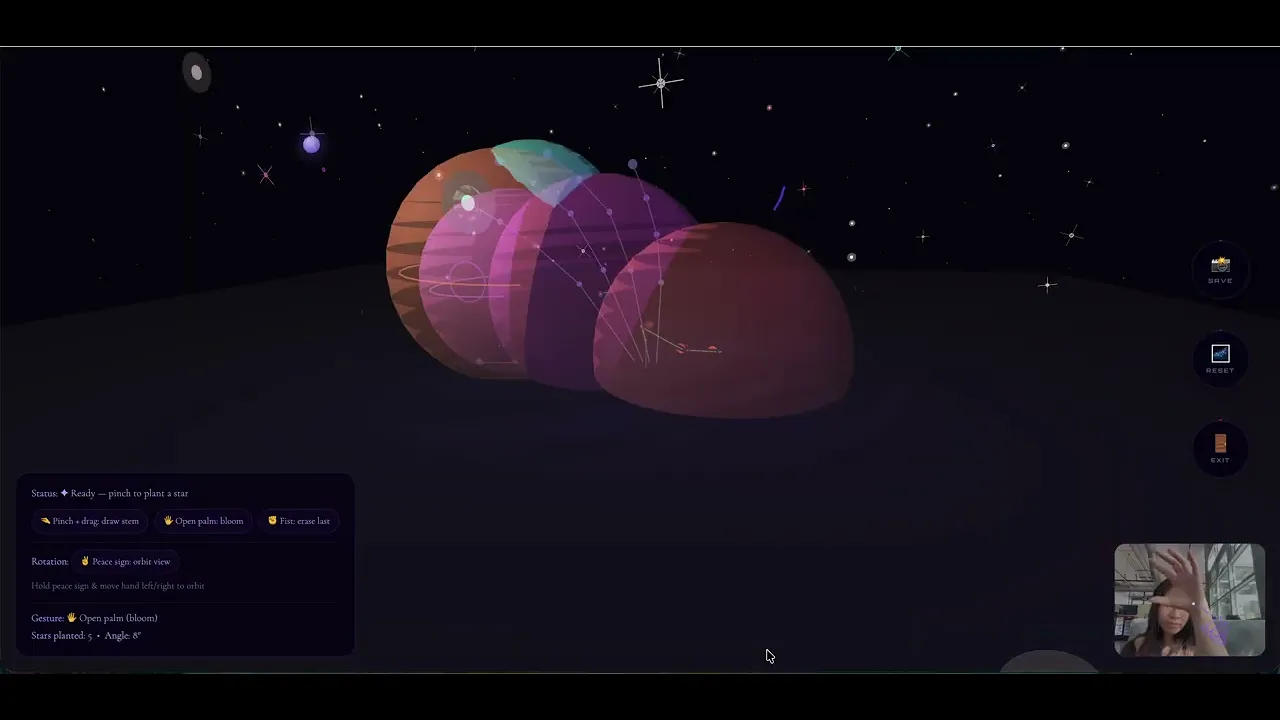
Palm & Petal is an interactive 3D environment where users cultivate a living landscape using nothing but hand gestures. Through real-time hand tracking, participants draw stems through space, trigger blooms, and navigate a cosmic garden, all without touching a device.
Built entirely in the browser, it blends computer vision, generative 3D graphics, and ambient sound to create a responsive ecosystem that reacts to your every movement.
How this living landscape works
Your hand is the interface
MediaPipe Hands tracks 21 landmarks on your hand in real-time. Each gesture maps to a specific action in the garden.
Pinch + Drag
Draw a stem through 3D space. The path your hand traces becomes the flower's stem, grown exactly where you moved.
Thumb tip (LM4) ↔ index tip (LM8) distance < 0.05
Open Palm
Bloom nearby flowers. Hold your palm open over any flower and watch it open, responding to your proximity.
Wrist (LM0) → middle base (LM12) distance > 0.23
Peace Sign
Orbit the camera around your garden. Sweep left or right to view your creation from any angle.
Index + middle up, ring + pinky curled
Fist
Erase the last planted flower. A gentle undo for when the garden needs reshaping.
All fingertips within 0.17 of wrist landmark
Release Pinch
Plant the flower. When you release your pinch after drawing, the stem becomes permanent.
Pinch distance rises above threshold on release
Hover Select
On the start screen and in-garden controls, point your finger and hold still for 2 seconds to activate any button — no click required
Dwell controller tracks index tip screen position
Why did i choose this as my project?
What if doodling was the whole point?
We doodle when we're distracted, on the margins of notes, corners of receipts, the backs of hands. Somewhere along the way, it became something you do instead of something real.
We live in a world that pressures us to stay focused, stay productive, stay on task. But doodling is one of the most human things we do, a quiet rebellion, a moment of play stolen back from the day.
Google Quickdraw, a speed-doodling game I used to play in middle school classes
Making a creative escape from reality
I wanted to give visitors permission to "play again". To step into a world beyond our reality where your hands are the only tool, where a gentle gesture grows something alive, and where there's nothing to accomplish except the act of making.
Palm & Petal puts doodling at the center, not as a distraction, but as the whole point. Your body becomes the brush. The world grows from what you make.
I also happen to really love flowers and how they look!
Building the visual system, from start to finish
MediaPipe integraton, Mapping 21 landmarks to intent
I integrated MediaPipe Hands, which tracks 21 landmark points on your hand in real-time. The setup was conceptually straightforward, import the library, create a Hands object, point it at the webcam, but the real work was gesture detection.
I wrote custom functions to translate raw coordinate data into meaningful actions. The tricky part: thresholds that feel natural across different hand sizes and lighting conditions, without requiring the user to be precise.
Starting in 2D and finding limits
I began with a basic 2D canvas in p5.js , pinch to place simple flower sprites. At first I was just experimenting with gesture interactions, drag to draw lines, release to place a flower head.
But it felt disconnected. The flowers were static images with no depth, no organic quality. I played with colors and drawing methods, but the fundamental problem was dimensionality. That's when I decided to pivot to a 3D canvas.
Very early iteration of project
Moving to WEBGL, Building a 3D foundation
Switching to p5.js WEBGL mode opened everything up. I started with a simple ground plane, a flat surface where all flowers would be anchored. I was eyeballing the camera distance and position, adjusting numbers until it felt right.
I settled on a camera distance of 760 units and a height of -220 to get that overhead "ikebana" viewing angle, close enough to feel intimate, far enough to see the whole garden. The coordinate system took iteration: MediaPipe gives normalized 0–1 coordinates, which I mapped to a 3D world space of -420 to 420 on each axis
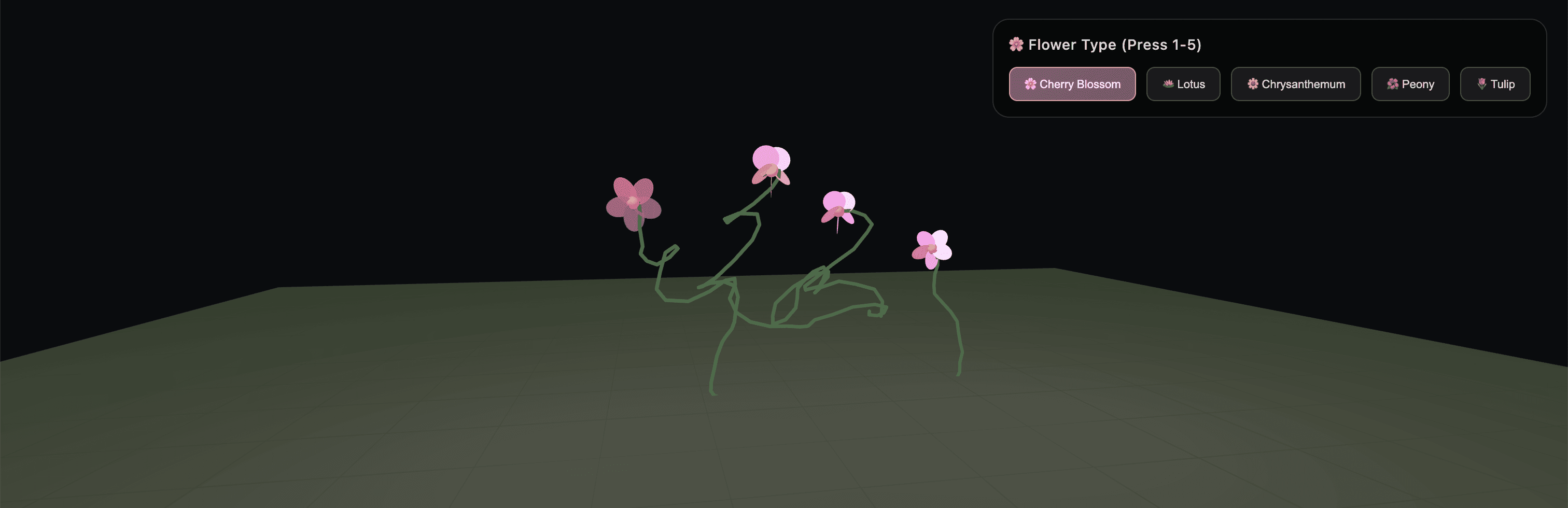
Early example of the 3D plane and drawn flowers
Designing the flowers
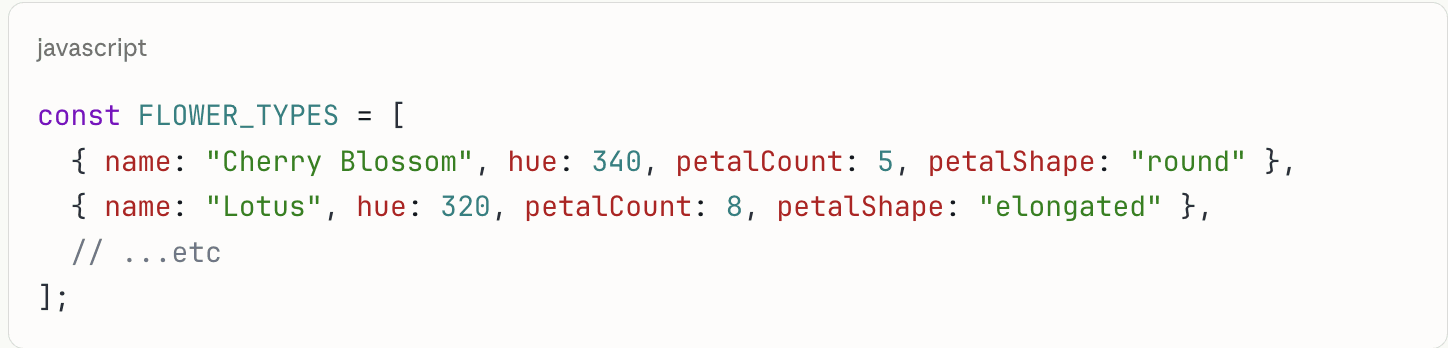
I researched traditional Japanese ikebana and used it as a jumping-off point, then pushed the aesthetic into coded flowers.
The geometry is entirely procedural: Catmull-Rom spline smoothing for stems, radial ellipse arrangements for petals, and a bloom animation that unfolds as you hold your open palm nearby.
Grounding the garden in space
I wanted the garden to feel fantastical, not just pretty. Inspired by the infinite nature of space, I built a full galaxy environment: 600 stars scattered through 3D space, each with a random size, hue, and twinkling animation using sin(frameCount). Special sparkle stars get a four-point crosshair treatment.
The background uses a near-black HSB value rather than pure #000000, giving the starfield more atmospheric depth and letting the flower colors read more vividly against it.
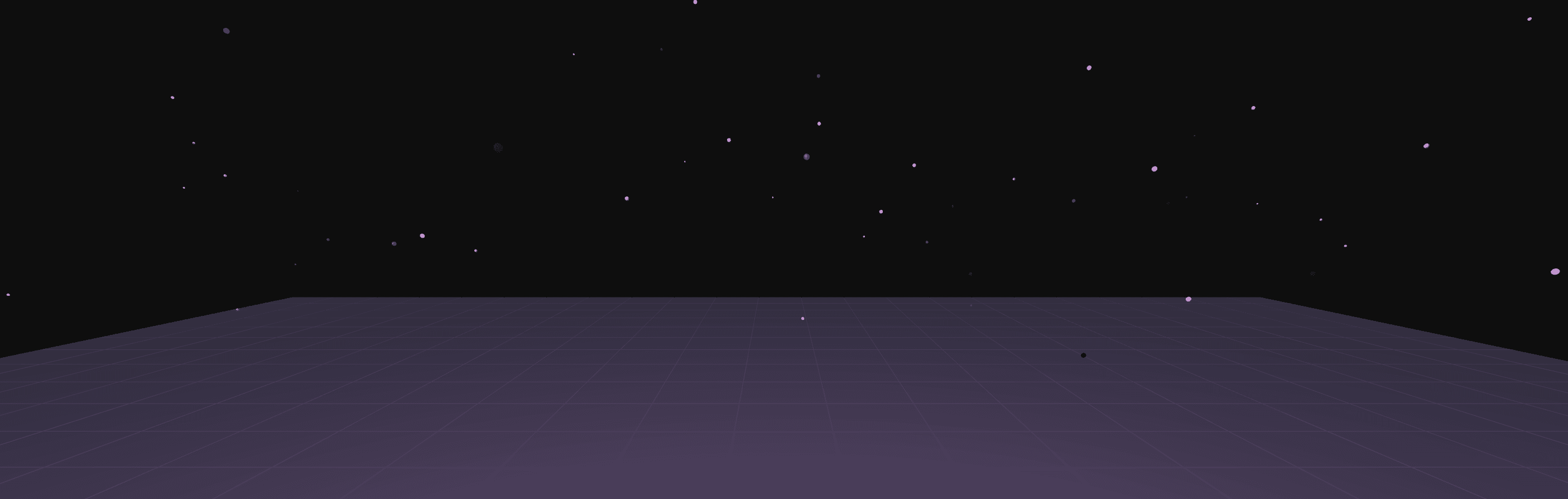
Updated 3D Canvas in Cosmic Environment
adding audio
Using Tone.js for interactive and responsive sound
I used Tone.js because it's perfect for generative music. Here's an overview of what I included.
Pad Synth
A polyphonic synthesizer playing a C-Am-F-G chord progression that loops continuously. It has a long attack (1.2s) and release (2.5s) to create that ambient, atmospheric drone.
Blip Synth
A simple triangle wave synth with a very short envelope (0.01s attack, 0.08s decay) for gesture feedback. When you draw it plays C5, when you plant it plays E5, when you erase it plays A4.
Lowpass Filter
A filter that sweeps when you bloom flowers - it ramps from 950Hz up to 2600Hz over 0.08 seconds, creating that satisfying brightness, then slowly returns to normal. It gives tactile audio feedback for the gesture.
Inspiration
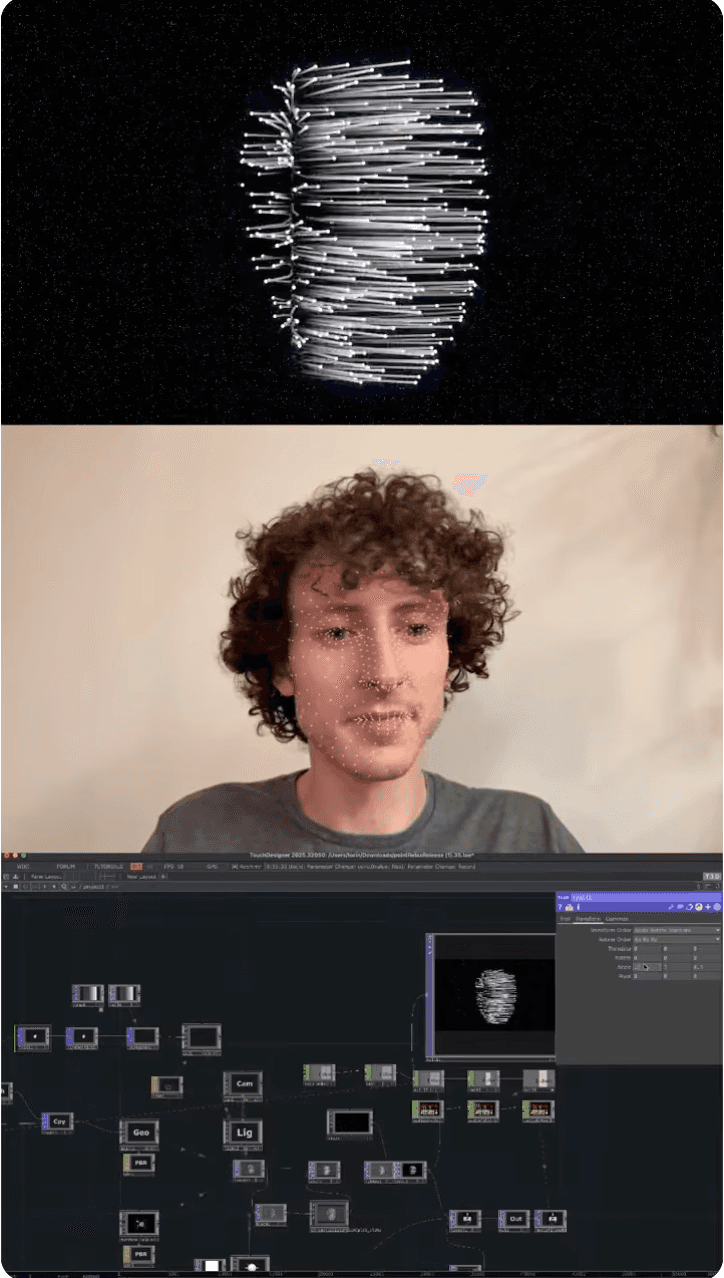
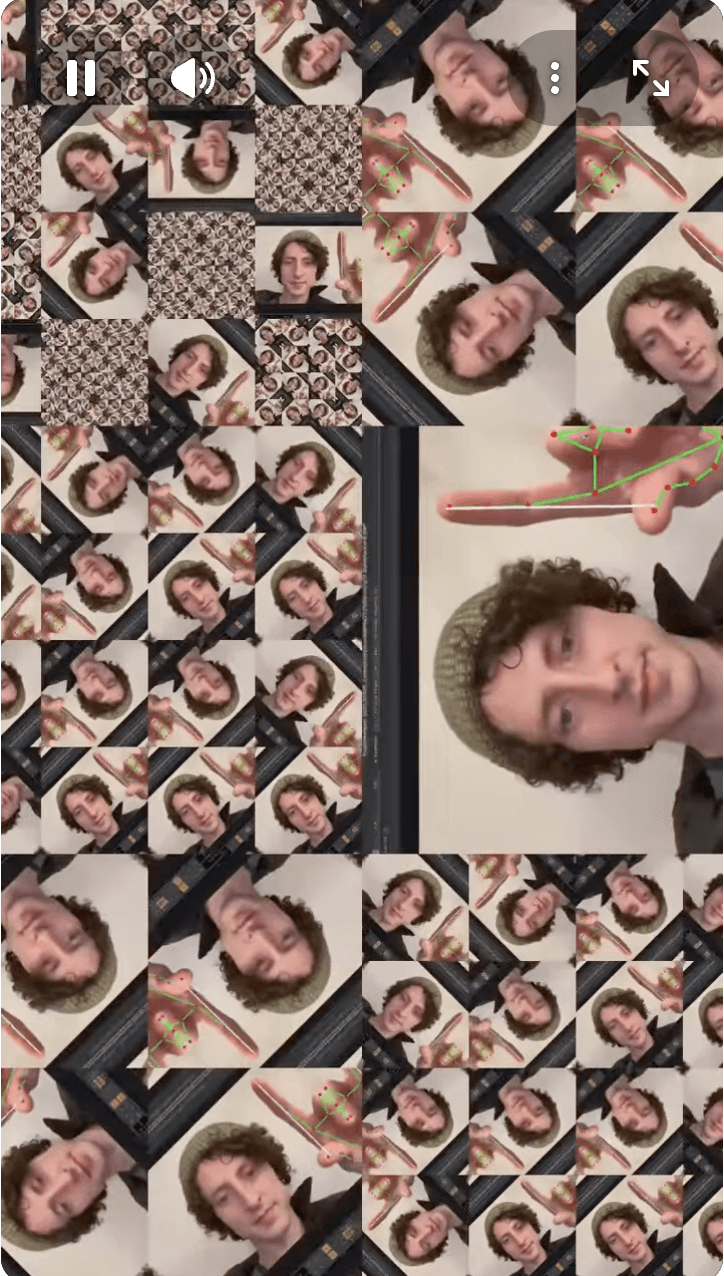
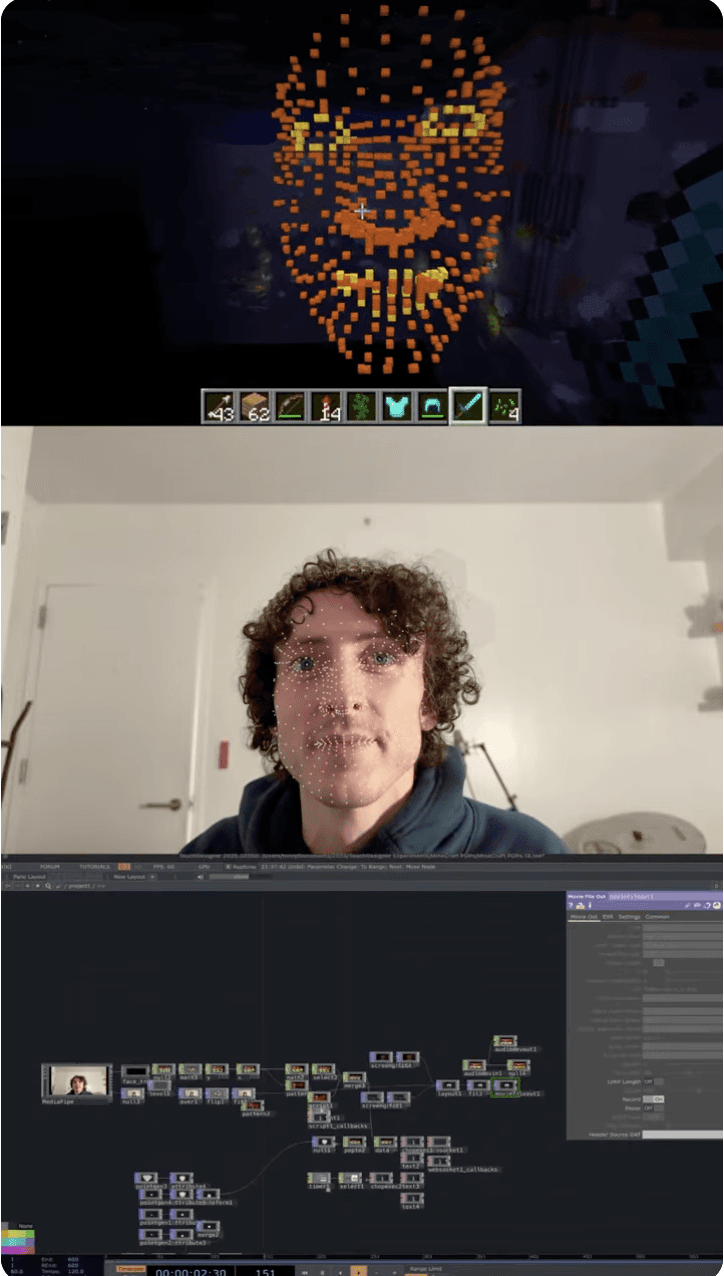
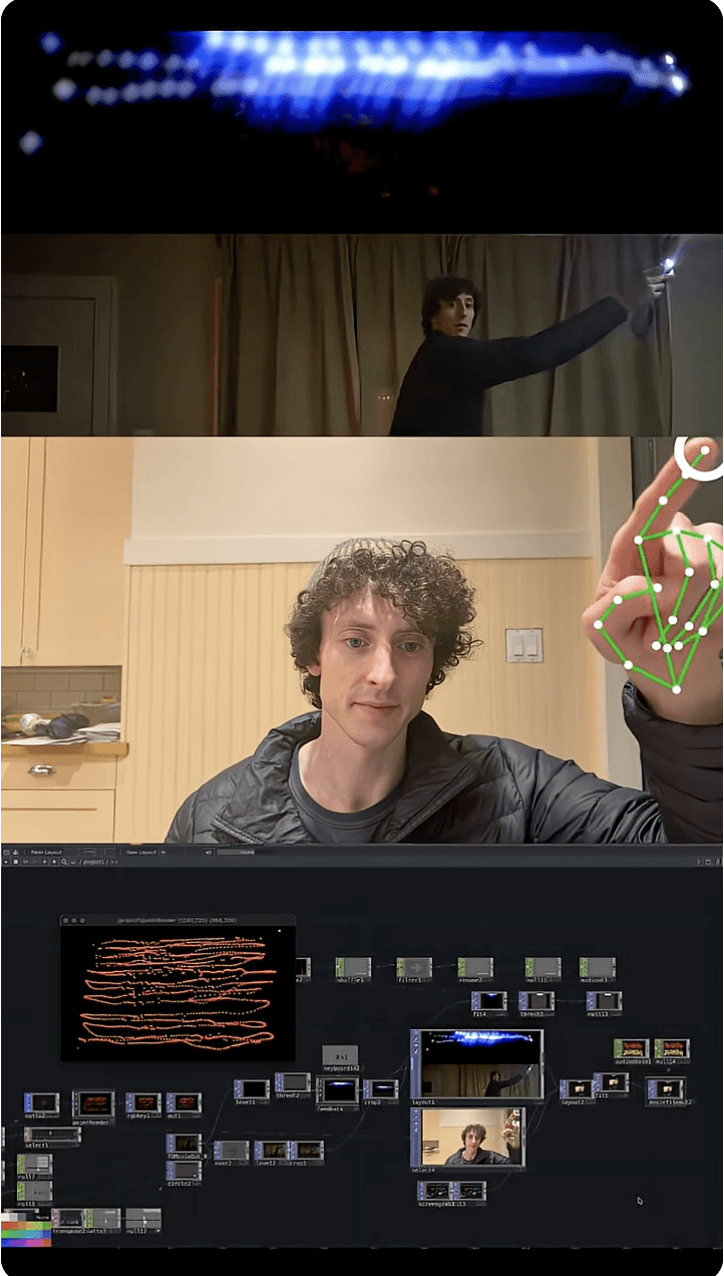
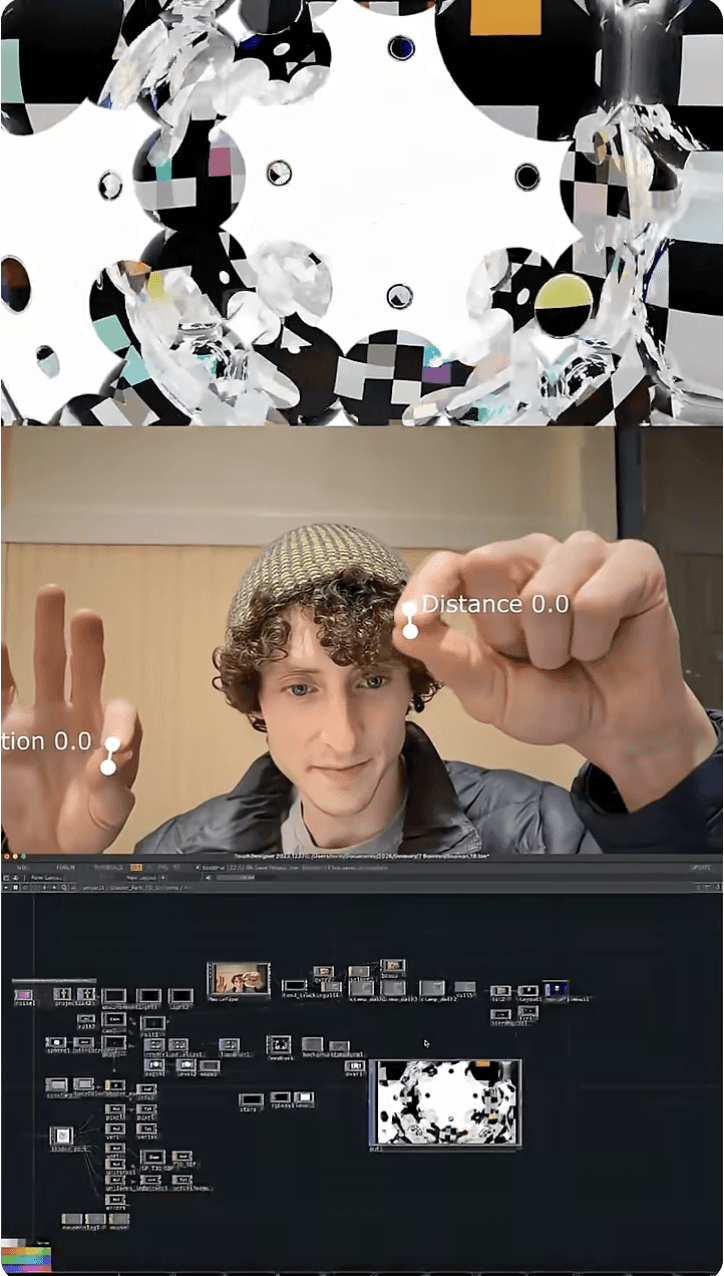
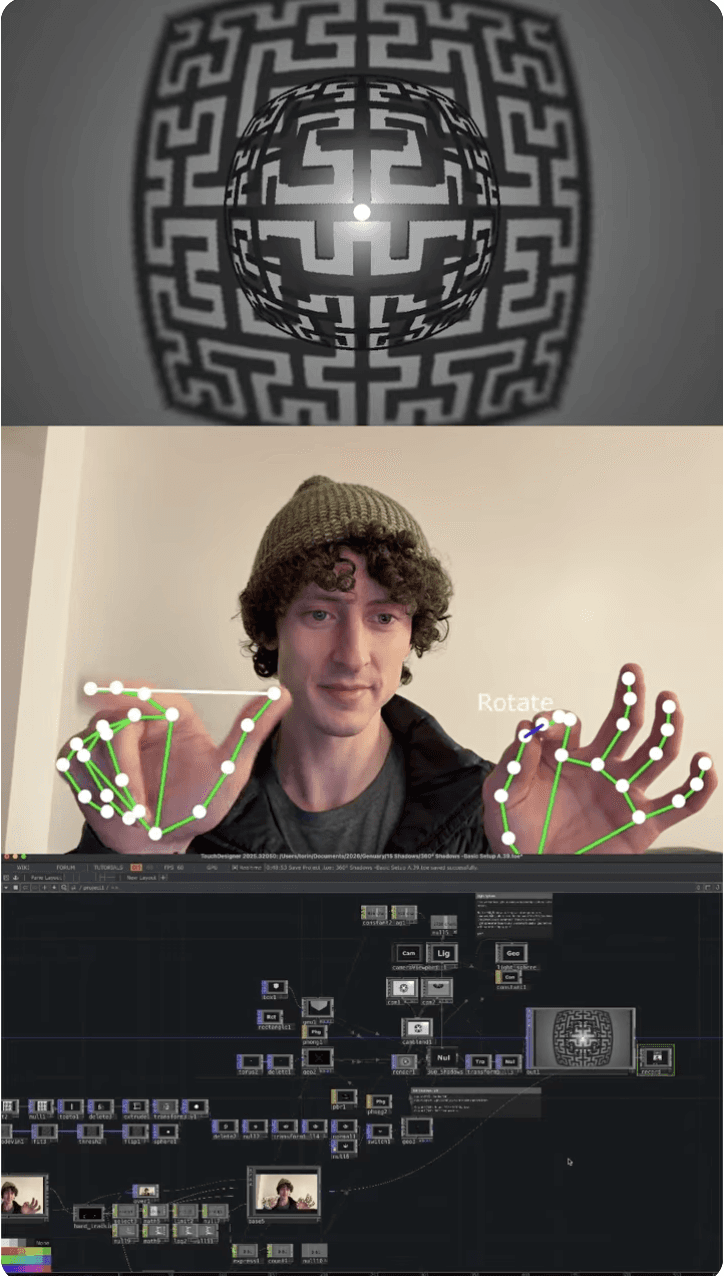
I was inspired by Torin Blankensmith and his creations in TouchDesigner
Torin is a freelance creative technologist focusing on mixed reality installations and interactive experiences. I originally planned for this prototype to be in TouchDesigner, and I looked through his Genuary videos, a series where he created a new visual and audio interactive piece in TouchDesigner for everyday of January.
CL
Thanks for swinging by...
Let’s create something together!